Now in version 7.7.0 you can use the ADD-ONS feature to purchase and import fully analyzed progressions into your catalogue from within the app
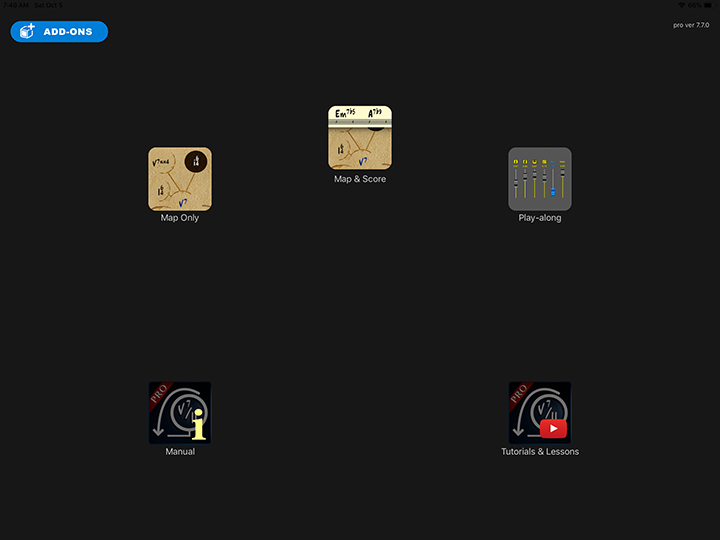
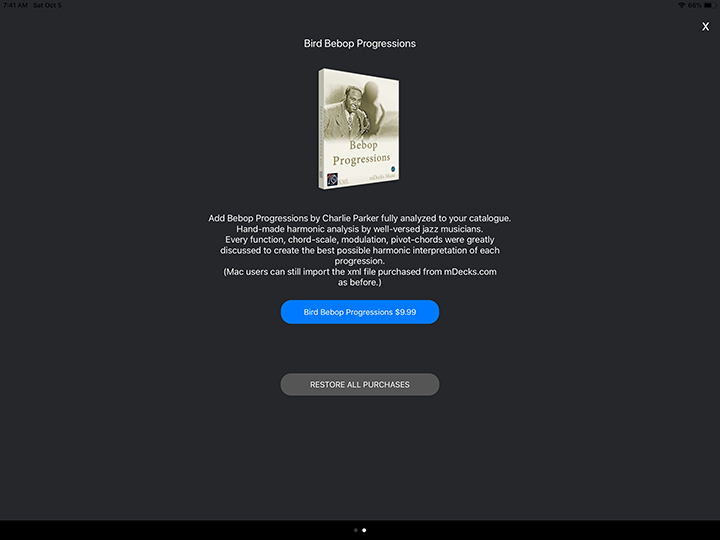
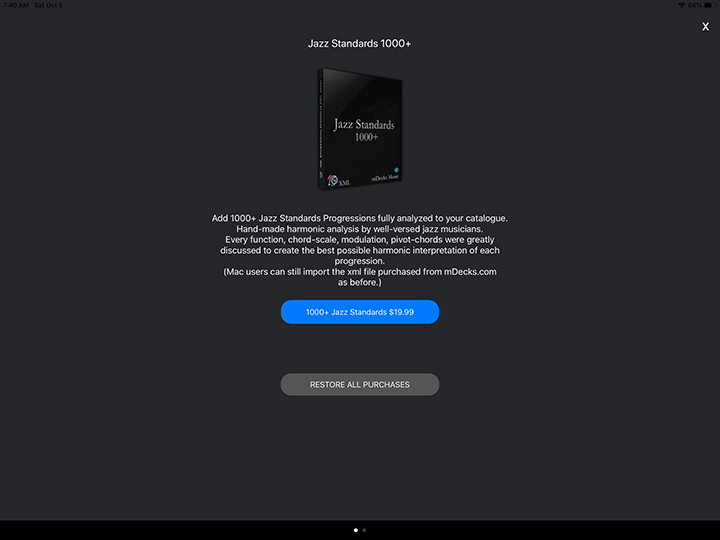
You may still import the xml files from the macOS version as before
In this tutorial we’ll explain how to download, unzip and import progressions in Mapping Tonal Harmony Pro iOS.
You can follow the steps by clicking on this link here which will download a zipped file containing the progression for the song “This I Dig of You”
Note : We use zipped files because some song catalogues are very large files and would take too long to download.
After clicking on the download link you will get this screen in Safari
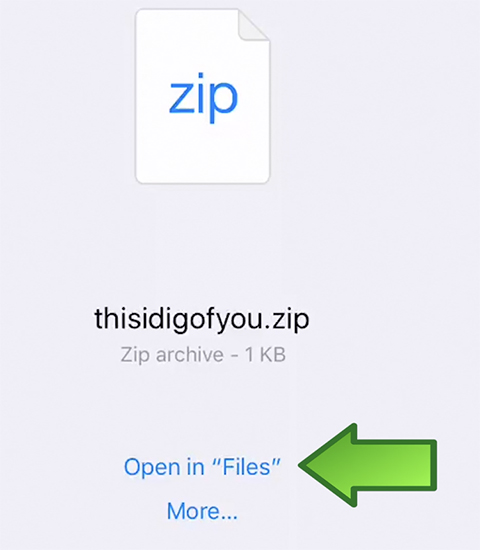
Click on Open in “Files”
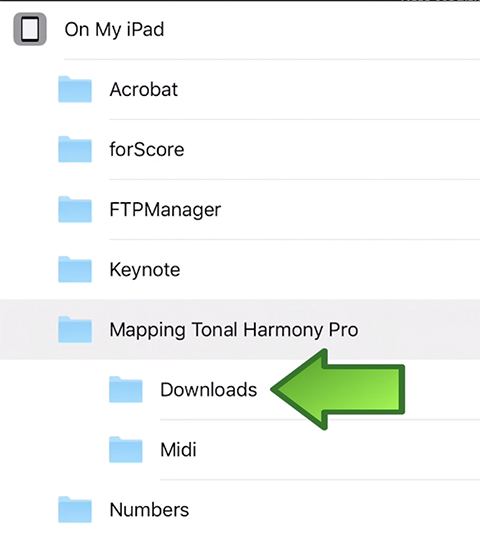
Then choose the Downloads folder inside the Mapping Tonal Harmony Pro folder the app has already created for you when you installed it.
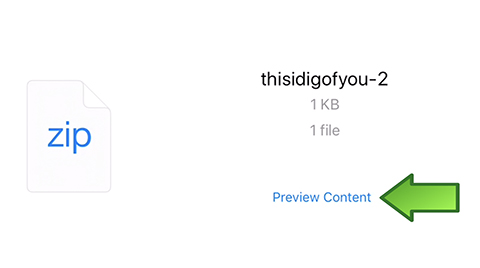
You will be shown the following screen. Tap on Preview Content
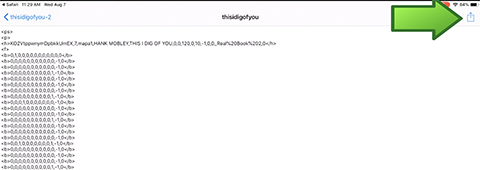
The file will open. Now tap on the share button on the top right corner.
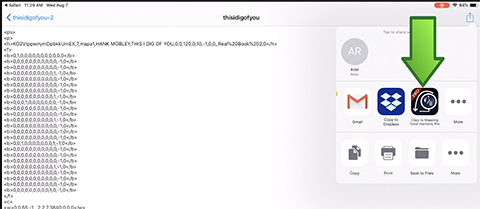
That will open the share menu. Tap on the Mapping Tonal Harmony Pro icon and the xml will be automatically imported into Mapping Tonal Harmony.
That’s all


Leave a Reply