

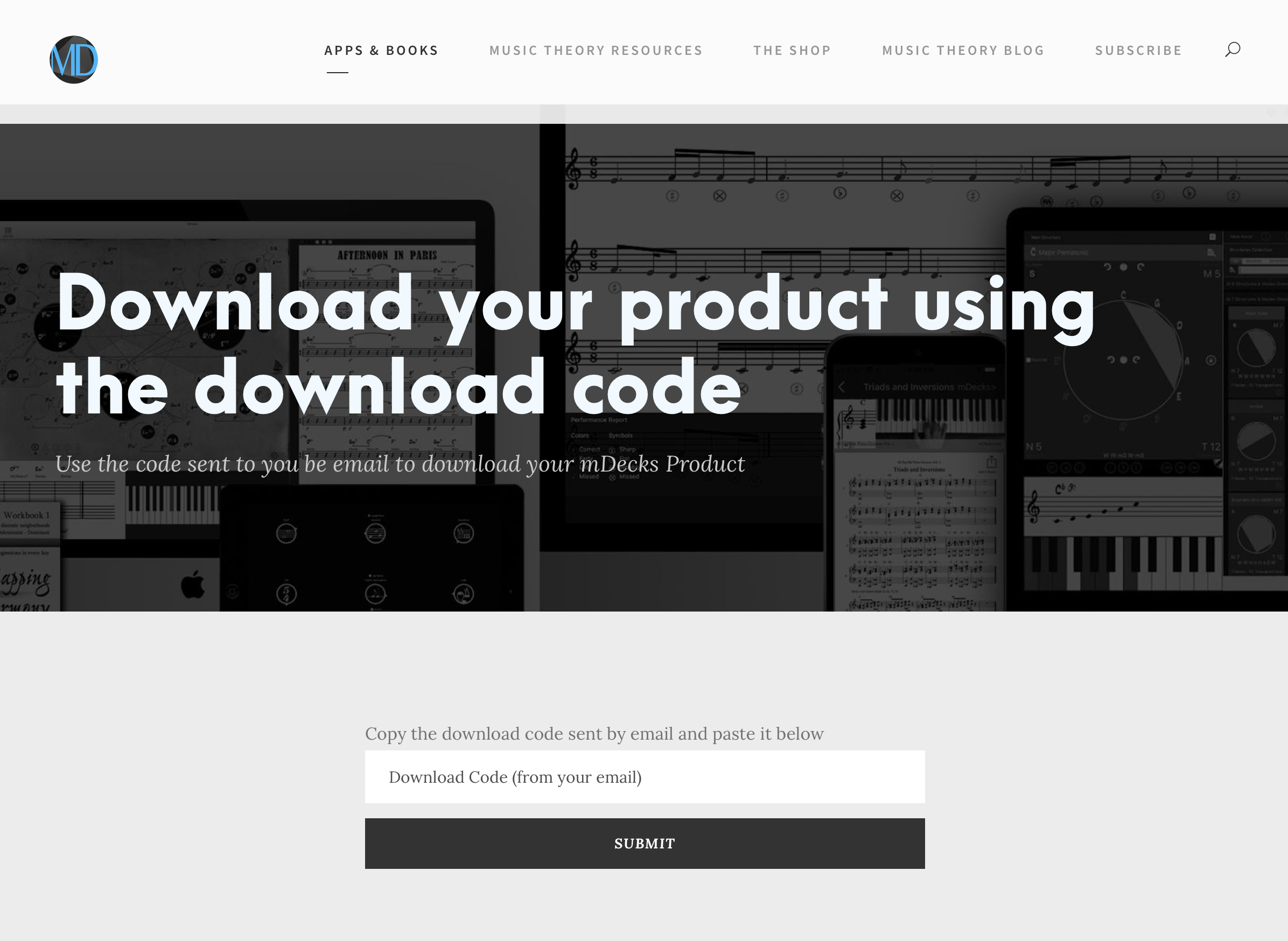
After you purchase an item on mDecks.com, PayPal will automatically redirect you to the download page.
You will also receive an email with a backup code to download the file (just in case the redirect fails)
Here’s a 30 second video showing how to use the code in your email.
- Copy the code to the clipboard
- Click on the url link provided
- Paste the code (clipboard contents) in the box
- Click on Submit
 mDecks Music Blog
Leave a comment